 |
PDFpasteup™
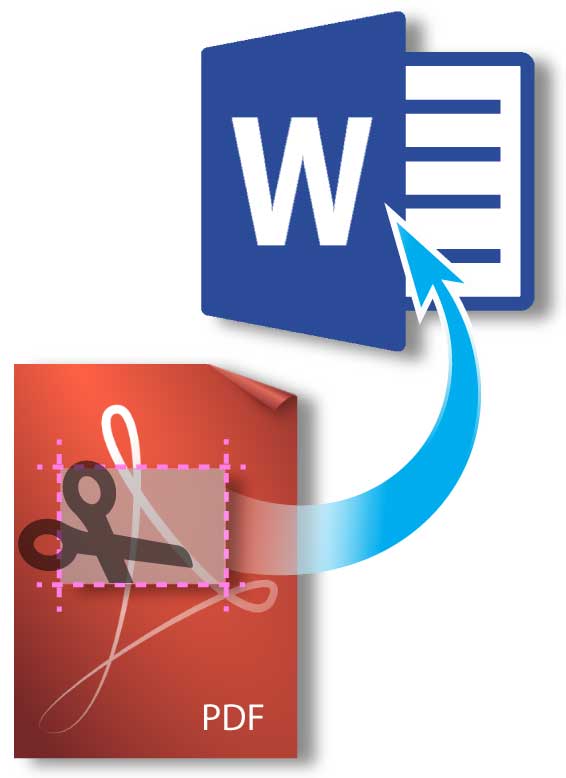
- Cut & paste images directly from PDFs as easily as regular images
- Copy PDF images, text, selected rectangular areas—all in Word
- Insert entire PDF pages into documents
- Perfect, crisp copies—keeps full original resolution
- Use manually or automate with Mail Merge
Reformat PDFs, remix them, insert them into regular Word documents.
Or mail-merge from PDFs. Fast, perfectly and easily.
...read more
This is the
OnMerge family of easy-to-use Microsoft Word addins. It gives you the power to mail-merge:
PDFs
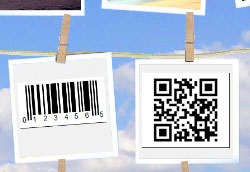
Barcodes
Photos
Pictures
Signatures
Logos
OnMerge software
turns Microsoft Word into a familiar
and inexpensive Variable
Data Publishing system.
OnMerge Images Addin for Microsoft Word
—
OnMerge Images Suite
—
OnMerge Barcodes
—
OnMerge Images+Barcodes Suite |
 |
OnMerge
Images™ add-in
Customize documents
and emails with different photos and graphics on each
copy or each page!
Use Microsoft
Word's Mail Merge to automatically
add personalized images that deliver your message clearly and
persuasively.
...read more
Click
samples to enlarge
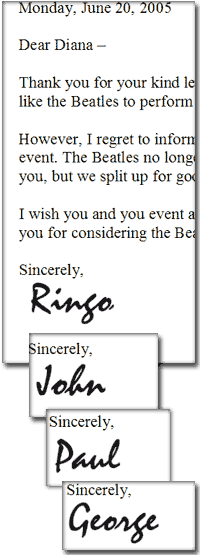
Mail Merge letters personalized with signatures,
logos and pictures
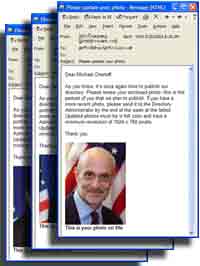
Broadcast e-mails and faxes customized with photos
and images
 Create
conversation-starting badges and name tags with Mail
Merge
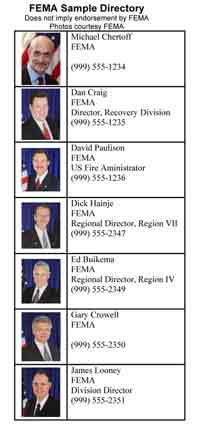
Publish up-to-date guides, catalogs and directories
with mail-merged photos
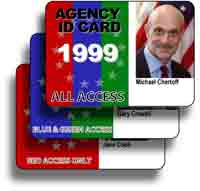
Make color-coded badges, IDs and labels
(click samples for
details)
|
|
OnMerge
Barcodes™ add-in
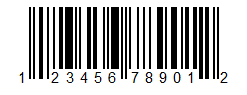
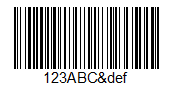
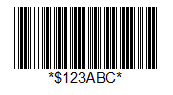
All the popular barcodes.
All the options and variations.
No messy barcode fonts.
- Code
128
- QR Code
- Intelligent Mail (OneCode)
and Postnet
- UPC-A
and UPC-E
- Code
39
- Data
Matrix
- PDF417
- 42
barcodes, click for full barcode list
Barcode
data can be:
- pulled from Mail Merge data sources
- copied from text in the Word document
- copied
and pasted
- typed
Data merging to printer, e-mails
or PDF works just like our wildly popular OnMerge Images
addin.
...read more
|